

Ferdausur Rahman 👋
Beginner's Guide: How to Design Minimalist UI for E-Commerce
Jun 29, 2025
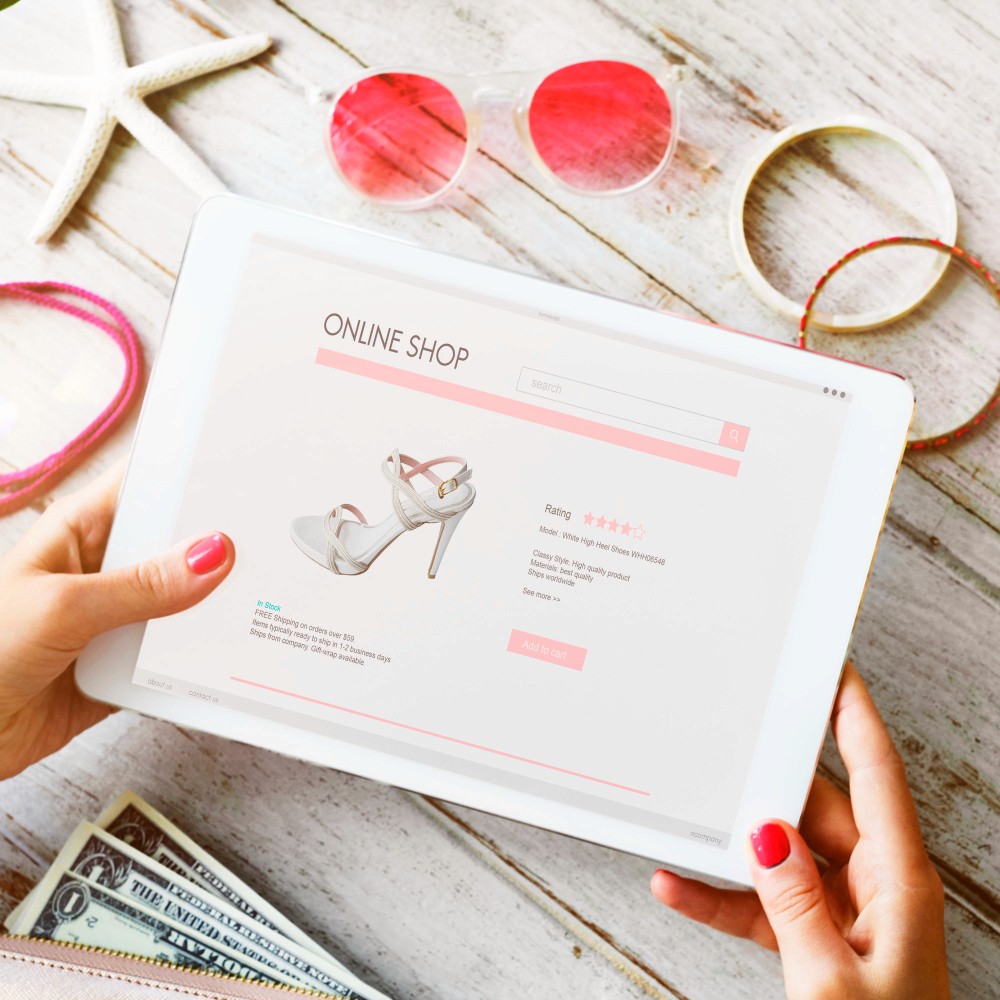
Minimalist design is popular for a reason — it enhances usability and keeps the focus on the product. However, creating a clean and effective e-commerce UI requires a strategic approach.
Here’s my beginner-friendly guide to designing a minimalist UI for e-commerce:
1️⃣ Start with a Clear Layout
Minimalist sites use whitespace effectively. Plan your layout to guide users:
✔️ Prominent product sections
✔️ Clear call-to-actions (CTAs)
✔️ Balanced spacing
2️⃣ Limit Color Palette
Stick to 2-3 core colors that reflect the brand. Neutral backgrounds with bold accents draw attention to products.
Tip: For luxury or jewelry brands, soft tones with gold accents work well.
3️⃣ Use High-Quality Visuals
Minimalist UI relies on strong imagery. Invest in:
📸 Crisp, professional product photos
🎨 Consistent visual style across the site
4️⃣ Prioritize Typography
Clean, readable fonts enhance minimal designs. Use:
✔️ Simple sans-serif fonts
✔️ Clear hierarchy for headings, descriptions, prices
5️⃣ Simplify User Journey
The goal is effortless shopping. Ensure:
🛒 Quick add-to-cart options
📱 Mobile-optimized layouts
✅ Fast-loading pages
💡 Conclusion
Minimalist e-commerce design isn’t just about aesthetics — it boosts conversions by making shopping simple and enjoyable.
Want me to design your clean, modern eCommerce store? Let’s collaborate!